
Obsidian prism studio
Forge sharper color decisions.
ChromaForgeRep turns color exploration into a fast, tactile workspace. Build palettes, compare text and shapes, test hue perception, and keep an eye on your progress without leaving the app.
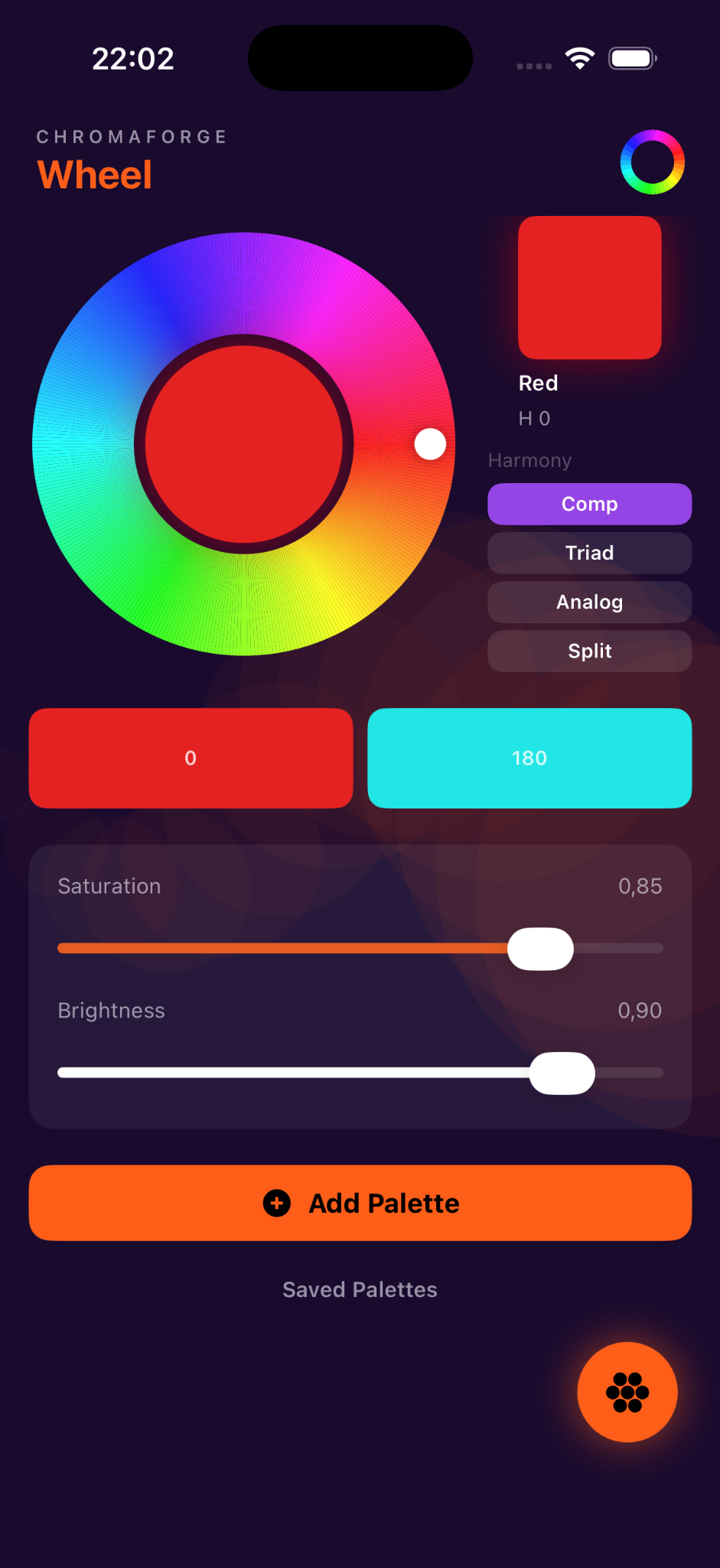
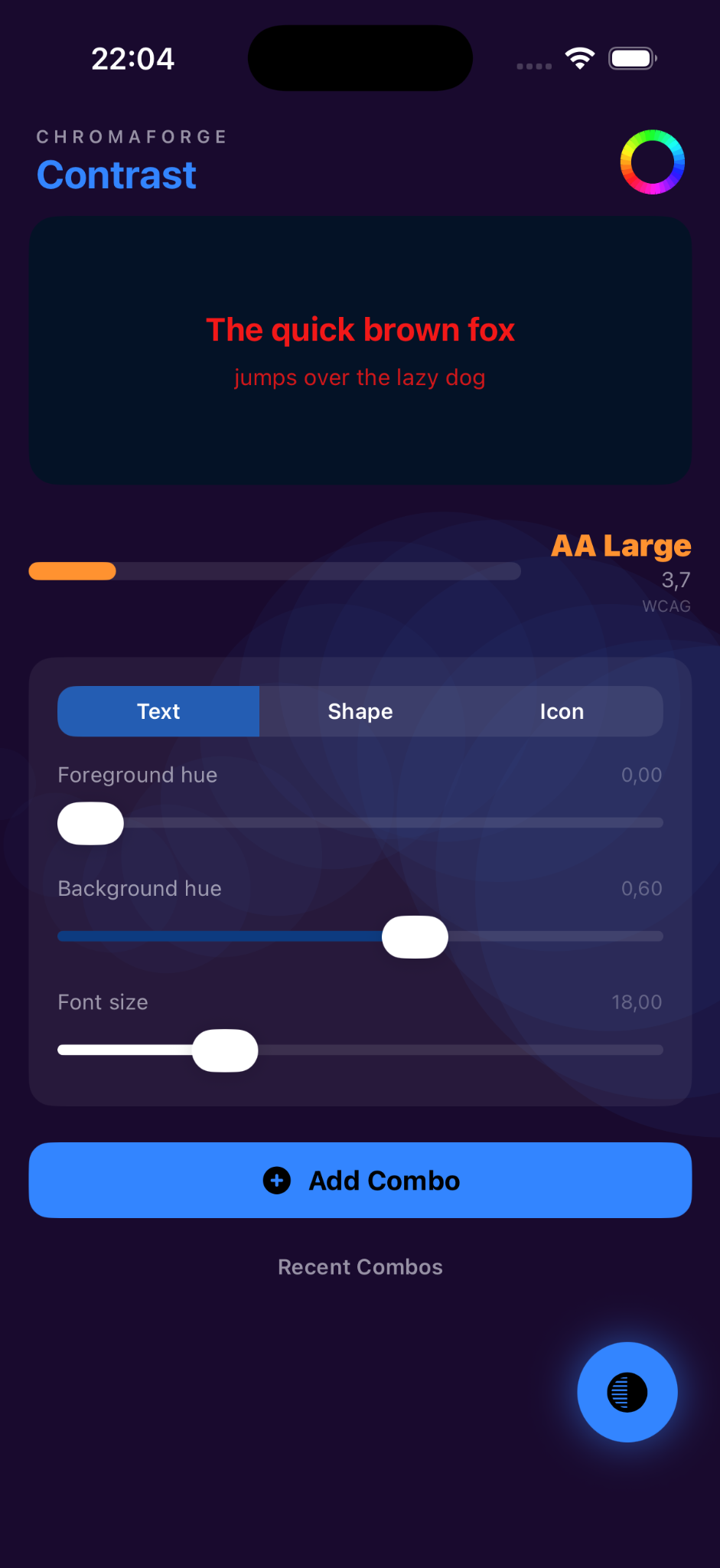
A color bench that feels alive.
From a glowing wheel to contrast previews and short perception drills, each screen is designed to make color choices more concrete, readable, and easy to revisit.
Palette forgeShape a color set from hue, saturation, and brightness controls.
Save combinations and return to them when you need a reliable visual direction.
Contrast labPreview foreground and background relationships instantly.
Adjust sample text, icon, or shape settings and see how the visual balance changes.
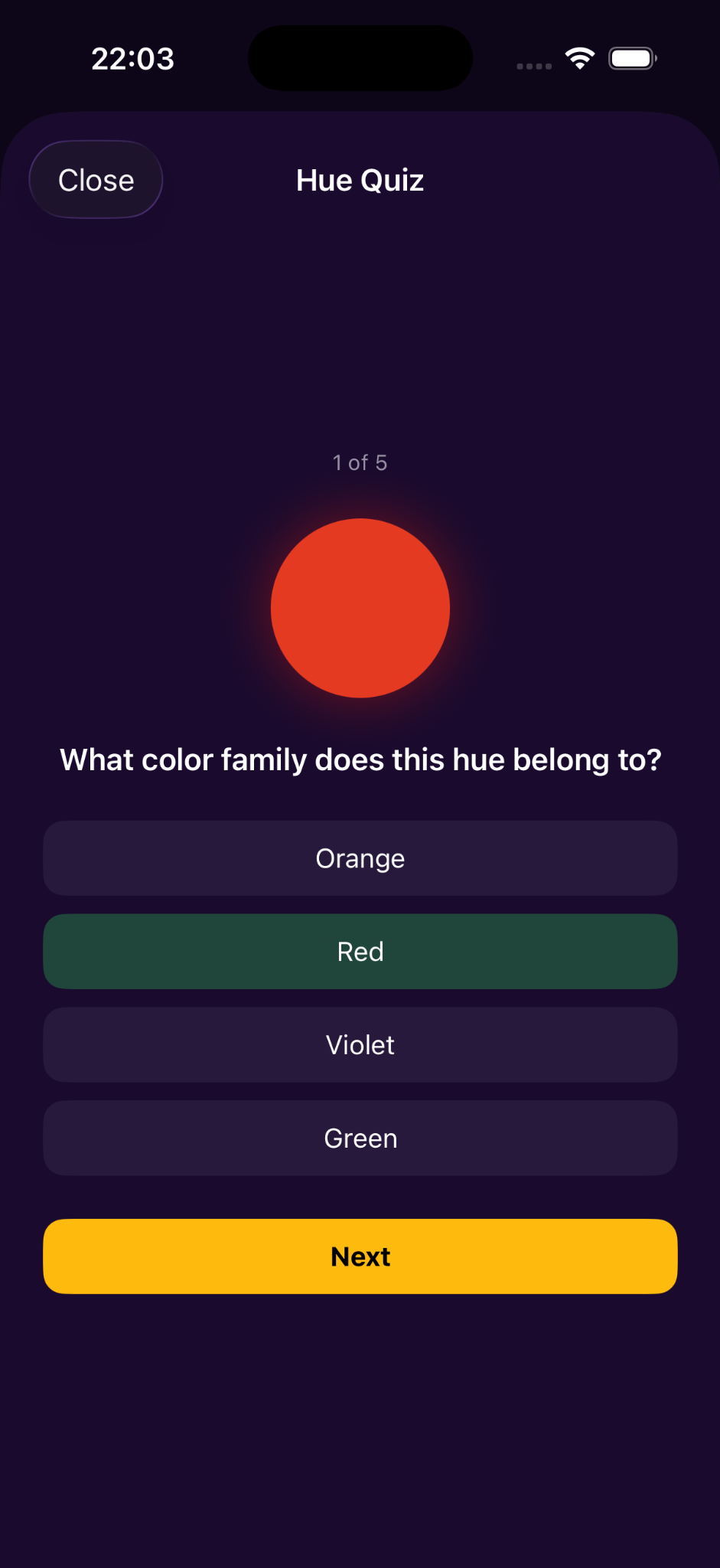
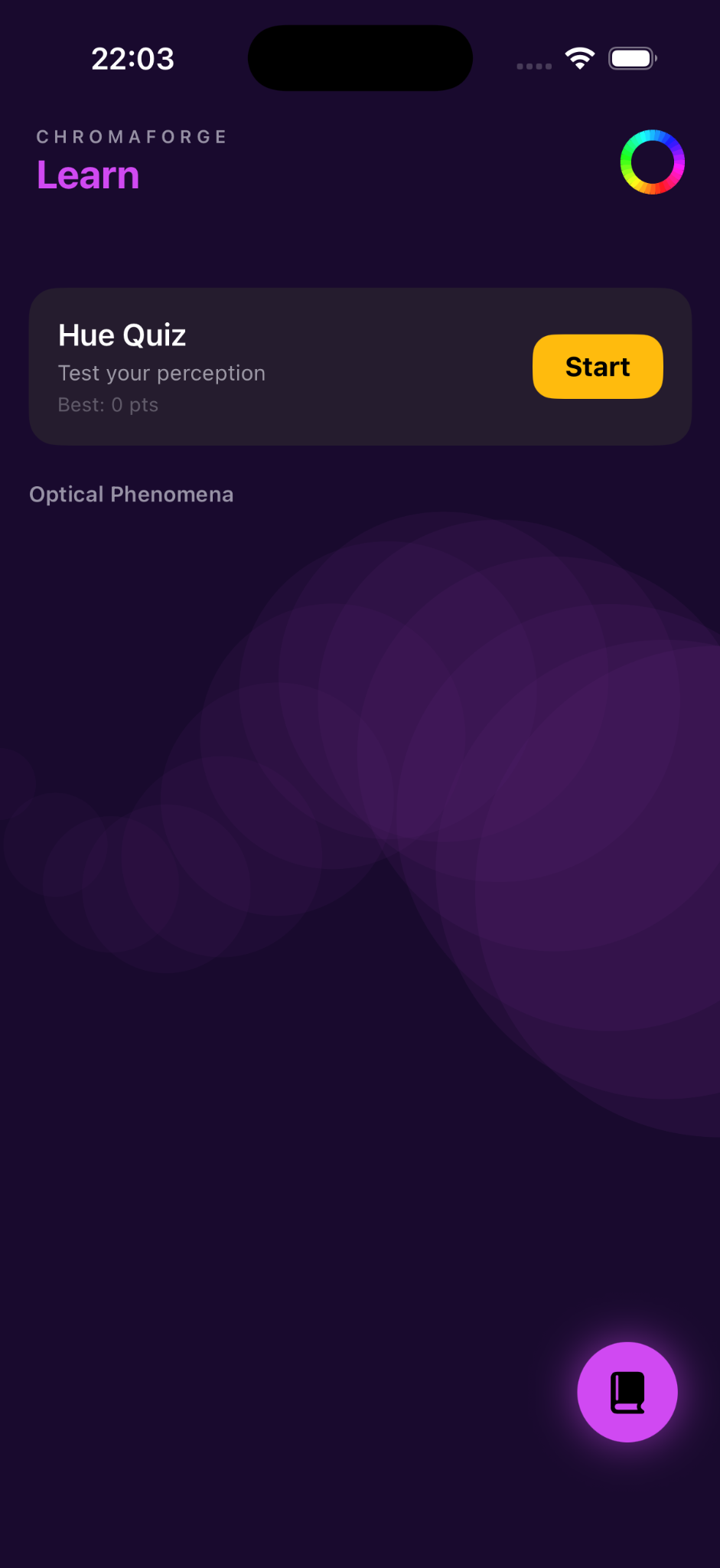
Hue masteryPractice color recognition with quick quiz rounds.
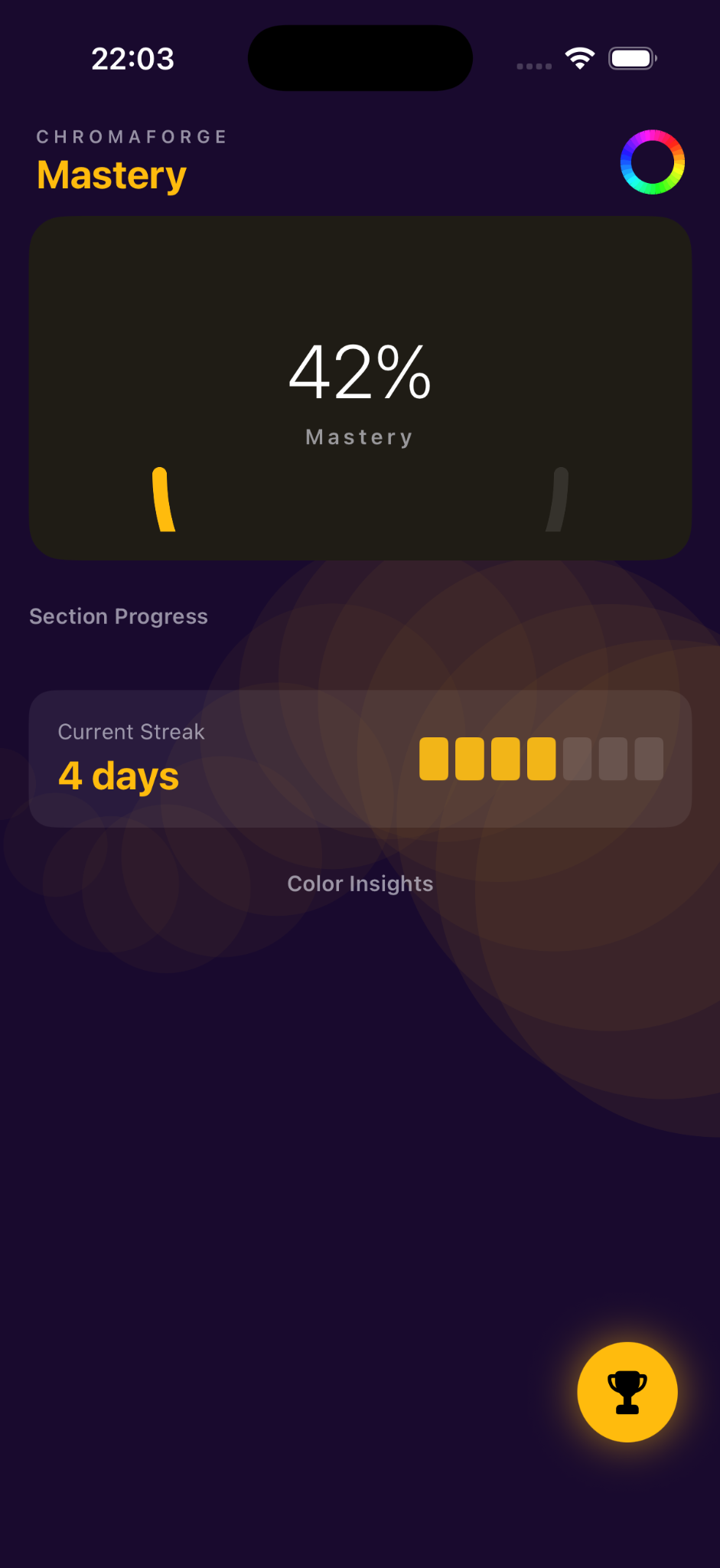
Track streaks and mastery progress as your eye becomes faster and more precise.
Inside the app
Progress signal
A practical space for designers, students, makers, and anyone training a better eye for color.
Palette confidence
Contrast awareness
Hue recognition